AI & ML Engineering

RAG & Knowledge Assistants

Assistants that answer from your documents and systems, with sources, permissions and measurable accuracy.

In short

What is RAG and when do you need it?

RAG (retrieval-augmented generation) means the AI looks up your own documents or data before it answers, and shows where the answer came from. You need it when answers must follow your policies, products or records rather than general knowledge. KaliIO builds RAG assistants with permissions, source citations and measured accuracy.

What's included

Answers from your sources, with the receipts

Retrieval quality decides answer quality, so most of our effort goes into how your content is prepared and found.

  • Content audit: which sources, how fresh, who may see what
  • Document parsing, chunking and metadata
  • Vector and keyword search, tuned on real questions
  • Answers with citations to the source passage
  • Permission-aware retrieval per user or team
  • Accuracy evaluation and a feedback loop after launch
scope/rag-development.yaml
sources:   drive, wiki, tickets, PDFs
prepare:   parse, chunk, tag, dedupe
retrieve:  hybrid search + reranking
answer:    cite every claim
access:    per-user permissions
eval:      real questions, scored answers

How we build

Five steps from idea to production

Every engagement follows the same path, so you always know what comes next and what you get at each step.

  1. Discover

    We learn your goals, data and constraints, agree on what success looks like, and check that AI is the right tool for the job.

    What you get

    • Problem statement and success metrics
    • Review of your data and systems
    • Scope and delivery plan
  2. Prototype

    A working prototype on your own data, so you can judge the approach before committing to a full build.

    What you get

    • Working prototype
    • Approach and model options
    • Risks and open questions
  3. Pilot

    A limited rollout to real users, measured against the success metrics agreed in discovery.

    What you get

    • Pilot with real users
    • Evaluation results
    • Go / no-go recommendation
  4. Production

    We harden it for real traffic: security, integrations, monitoring and documentation.

    What you get

    • Production deployment
    • Integrations and access control
    • Monitoring and runbooks
  5. Run & improve

    After launch we track quality, cost and drift and keep improving it, or hand it over to your team.

    What you get

    • Quality and cost monitoring
    • Regular improvements
    • Handover to your team

Use cases

Where RAG earns its keep

Case studies

AI that ships, not slideware

What we built, for whom, and what changed. Every result shows how it was measured.

Case study Trilliant Software · India

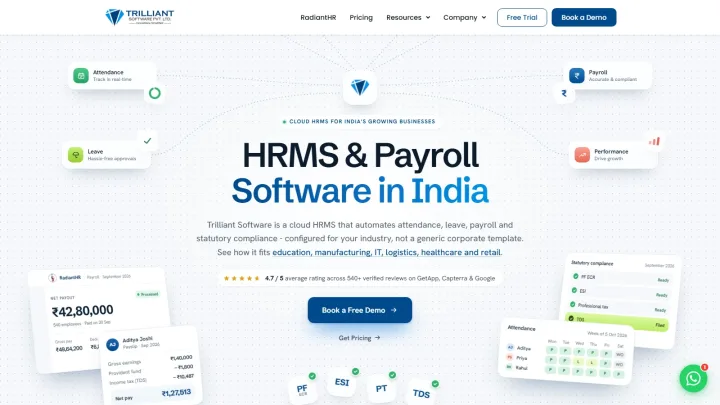
Website and SEO content pages for an HR SaaS: Trilliant Software

KaliIO built the full website for Trilliant Software, an HRMS and payroll SaaS in India, including SEO content pages: 364 HR glossary terms, 47 free HR tools and 10 guides.

HR glossary pages live
364
Published at /hr-glossary/ on trilliantsoftware.com, September 2026
Free HR tools live
47
27 letter generators, 11 calculators, 4 job-description pages, 5 policy and document tools; published at /tools/, October 2026
  • HR & Recruitment
  • SaaS & Startups

Case study GSynq · India

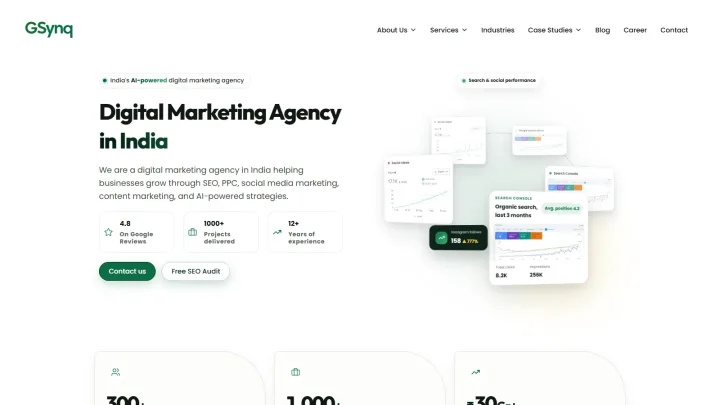
GSynq: a motion-rich website its SEO team edits itself

GSynq, a digital marketing studio in India, launched a custom WordPress site by KaliIO with scroll-driven motion that its SEO team edits in Elementor.

  • Marketing & Advertising

Case study Relax Agro · India

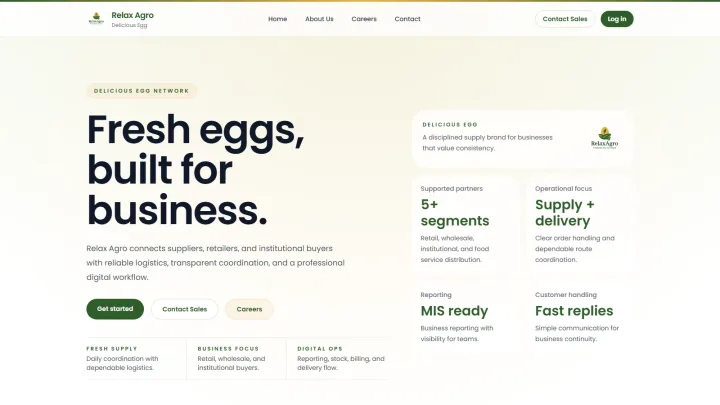
Relax Agro: one app for egg orders, stock and deliveries

Relax Agro, an egg distribution business in India, moved orders, stock and deliveries from Excel and paper into one mobile and web app built by KaliIO.

  • Agriculture & AgriTech
  • Logistics & Supply Chain

Tech stack

Proven tools, no lock-in

We pick the model and stack that fit your data, budget and team, and build so you can switch later.

  • Anthropic Claude
  • AWS
  • Azure
  • Django
  • Docker
  • FastAPI
  • Flutter
  • Google Cloud
  • Google Gemini
  • Hugging Face
  • Kubernetes
  • LangChain
  • LangGraph
  • Llama
  • LlamaIndex
  • MongoDB
  • n8n
  • Next.js
  • Node.js
  • OpenAI
  • pgvector
  • Pinecone
  • PostgreSQL
  • Python
  • PyTorch
  • React
  • React Native
  • Redis
  • TensorFlow
  • TypeScript

FAQ

Questions we often get

How much does an AI project cost?

It depends on scope, not on a rate card. The main cost drivers are how many workflows the system covers, how ready your data is, which systems it must connect to, the model and its usage costs, and your security or compliance needs. On a discovery call we go through them with you and agree the scope before building.

How long does it take to build an AI product?

It depends on scope and on how ready your data is. Every project moves through the same steps: discovery, prototype, pilot, production, then ongoing improvement. The prototype comes first, so you see the idea working on your own data early, and the timeline for each later step is agreed before that step starts.

What is the difference between a prototype and a pilot?

A prototype shows the idea working on a sample of your data, usually without production integrations. A pilot puts a working version in front of a small group of real users, inside their actual workflow, and measures it against the success metrics agreed in discovery. The pilot result decides whether, and how, to move to production.

What do you need from us to get started?

A short description of the problem, an idea of what success looks like, and sample data or documents if you have them. It also helps to have one person who knows the workflow well and can answer questions during discovery. Book a discovery call and we will take it from there.

Start a project

Tell us what you want to build

A few lines are enough: the problem, the data you have and where it should run. We reply with next steps.